
Since a couple of months, we have a special visitor in our garden: a squirrel!
We tried to get him on camera, but he’s very shy. As you can see, we only have some videos taken from a long distance.
He’s always jumping around in the back of our garden, close to our walnut tree.
So I used my Raspberry Pi computer with a PiCam to make a Squirrelcam. I made a Lego case since it has to survive outdoor conditions.


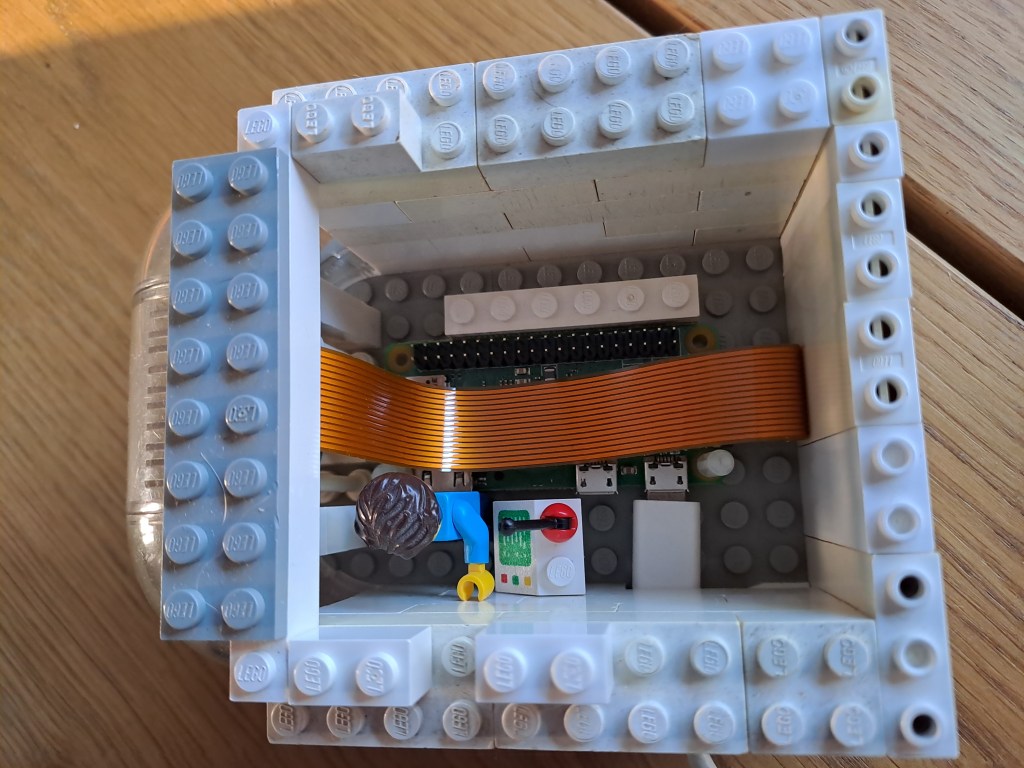
The Raspberry Pi is set to take pictures every 15 seconds. Here’s the result:


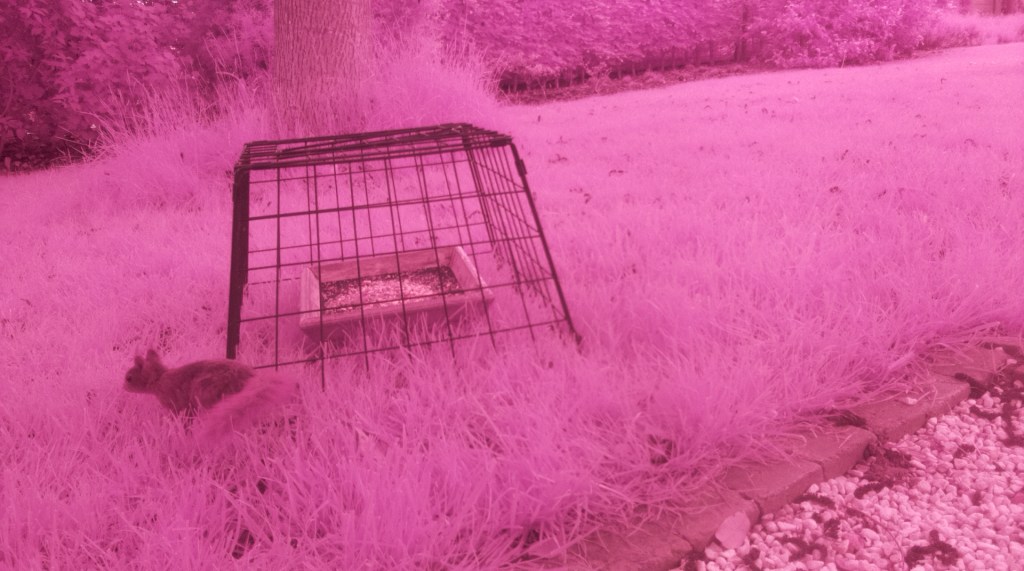

As you can see, my setup has one major drawback: I have a Pi NoIR camera, meant to take pictures in the dark. That was very useful to take night pictures of hedgehogs. But if you use it during the day, all your pictures are pink.
It’s possible to correct the pictures a bit using Photoshop, but the result is still far from perfect.

Who knows, maybe I’ll buy a normal Pi camera somewhere soon.
And if you’re interested, here’s the Python code for the camera module:
from picamera import PiCamera
from time import sleep
import random
from fractions import Fraction

#Config
timeBetweenPics = 15 # amount of time between different pics, in seconds
totalPictureDuration = 24*60 # how long pictures should be taken, in minutes

# Camera
camera = PiCamera()
camera.rotation = 0
camera.resolution = (1920, 1080)
brightness = 50
previewTime = 5
amountOfPics = totalPictureDuration * 60 / timeBetweenPics # how many picture should be taken
randomString = str(random.randrange(100))+'X' # random number for image uniqueness


# Action!
sleep(60) # wait a bit before starting

for i in range(int(amountOfPics)):
    camera.start_preview(alpha=150)
    sleep(previewTime)
    camera.capture('/home/pi/Documents/squirrelcam/Capture/Image'+randomString+'%s.jpg' % i)
    camera.stop_preview()
    sleep(timeBetweenPics - previewTime)
 Geek stuff